

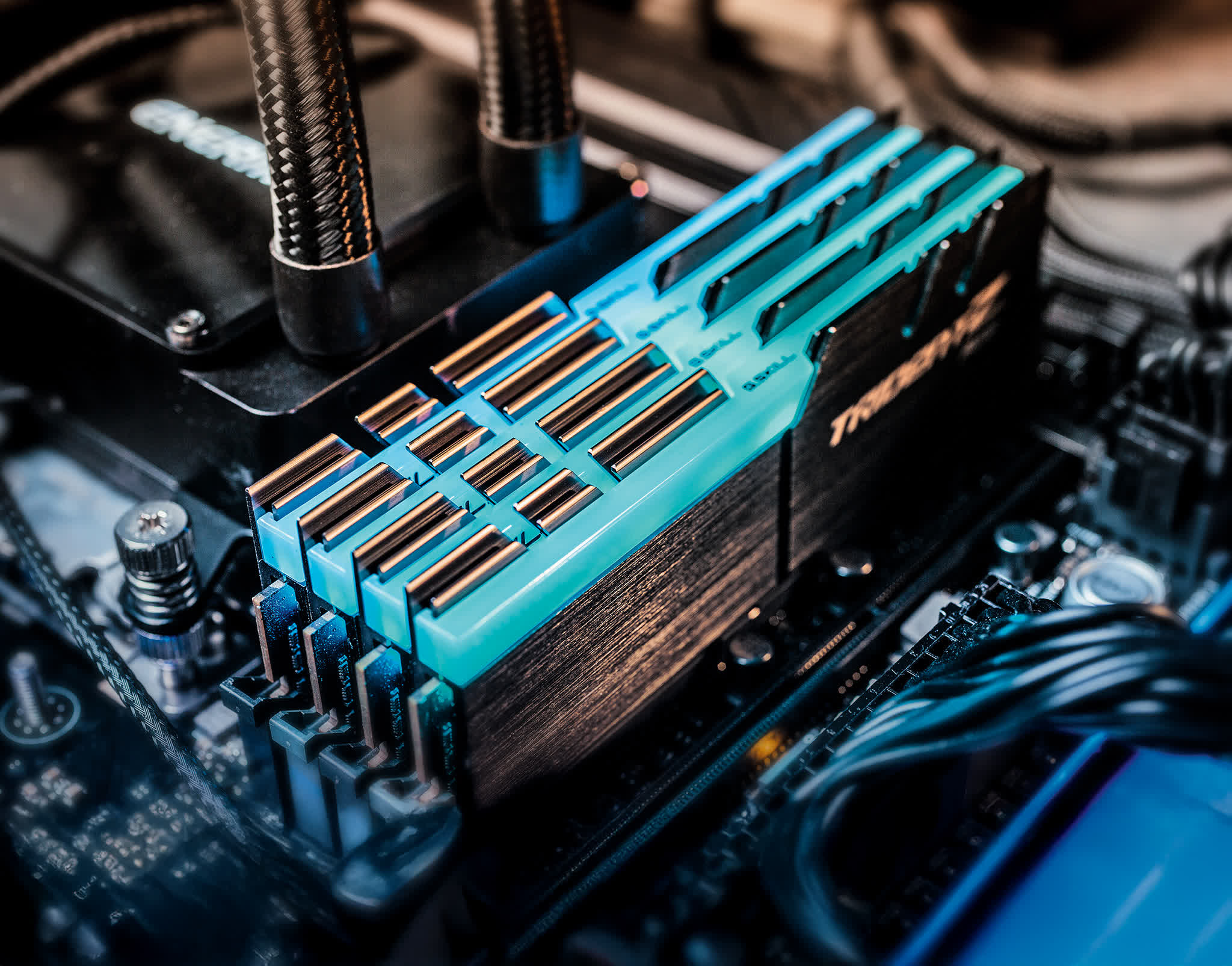
The ongoing evolution of gaming technology prompts gamers to reassess their system memory needs. With fluctuating DRAM prices, many are questioning whether 16GB is still sufficient or if they should invest in more. This article aims to clarify these concerns by examining the RAM requirements of contemporary video games.
Our testing methodology involved using a personal gaming rig equipped with 64GB of DDR5 memory, running a three-year-old Windows 11 installation with numerous games and applications. This setup provides a realistic representation of typical gaming scenarios, unlike a freshly imaged test system.
During testing, we kept Chrome open with six tabs, alongside Discord and hardware monitoring tools. We utilized the same 64GB memory kit for all tests but manipulated the maximum memory settings in Windows 11 to simulate 8GB, 16GB, and 32GB configurations. This allowed for consistent memory timings across different setups, ensuring an accurate comparison.
Benchmark Results
Arc Raiders
Arc Raiders demonstrates decent performance with as little as 8GB of memory, though 16GB optimizes the experience significantly.
Battlefield 6
This game runs adequately on 8GB, but memory usage can peak at 11GB in a 16GB setup and 14GB with 64GB. Players with less than 16GB of VRAM may experience taxed system memory when using high graphics settings.
Marvel Rivals
Performance remains stable across 16GB, 32GB, and 64GB configurations, with 18GB utilized in higher setups. However, 8GB leads to poor gameplay with frequent stuttering.
Borderlands 4
Borderlands 4 also uses up to 18GB of memory, where 16GB offers a satisfactory experience comparable to larger setups. Again, 8GB is not recommended due to severe performance issues.
Mafia: The Old Country
This title demands at least 20GB for optimal performance, making 16GB inadequate and resulting in poor frame times. Players should consider a memory kit between 24GB and 32GB.
Warhammer 40,000: Space Marine 2
While 8GB seems playable, it leads to low-quality textures. The minimum recommended is 16GB, with little difference observed between 16GB and 32GB setups.
Black Myth: Wukong
Performance is satisfactory at 16GB, but 8GB leads to frame time stuttering, so 16GB is strongly recommended.
Stalker 2: Heart of Chornobyl
This game peaks at around 18GB of memory usage. Performance is consistent across 16GB, 32GB, and 64GB configurations, with 8GB being the only setup that struggles significantly.
Clair Obscur: Expedition 33
16GB is the sweet spot for Clair Obscur, with usage peaking at 13GB. While playable with 8GB, noticeable stuttering occurs.
Cyberpunk 2077: Phantom Liberty
In both Ultra and Medium presets, 16GB proves sufficient, with occasional frame pacing issues noted in the 8GB setup.
Doom: The Dark Ages
Like many modern games, Doom runs well with 16GB. Using only 8GB results in constant frame time issues.
Kingdom Come: Deliverance II
This title performs adequately with 16GB. However, 8GB leads to significant frame pacing problems.
The Outer Worlds 2
Even with peak usage around 15.5GB, 16GB configurations work flawlessly. The game is playable on 8GB but suffers from frame time inconsistency.
Impact of GPU VRAM
Marvel Rivals with 8GB VRAM
Using an 8GB GPU significantly impacts performance, pushing game assets into system memory and increasing DRAM read bandwidth. This setup results in poor performance when using only 16GB of system memory.
Comparing 8GB vs. 16GB GPU VRAM in Spider-Man 2
In Spider-Man 2, the 16GB GPU outperformed the 8GB model by 35% in average frame rates. Increasing system memory to 32GB improves performance for the 8GB GPU configuration, demonstrating the need for higher RAM when using lower VRAM GPUs.
Conclusion: How Much RAM is Enough?
The amount of system memory required for gaming largely depends on the available VRAM. Gamers with 8GB graphics cards will often need more RAM to avoid performance issues. However, most modern games run adequately with 16GB, especially those with sufficient VRAM. The ideal configuration remains at 32GB, ensuring optimal performance across all titles.
While current DRAM pricing may steer some towards 16GB kits, it's crucial to remember that for high-end builds, investing in 32GB is advisable. For budget-conscious gamers, 16GB is still a viable option, balancing performance and cost-effectiveness in the current market.
Source: TechSpot News