

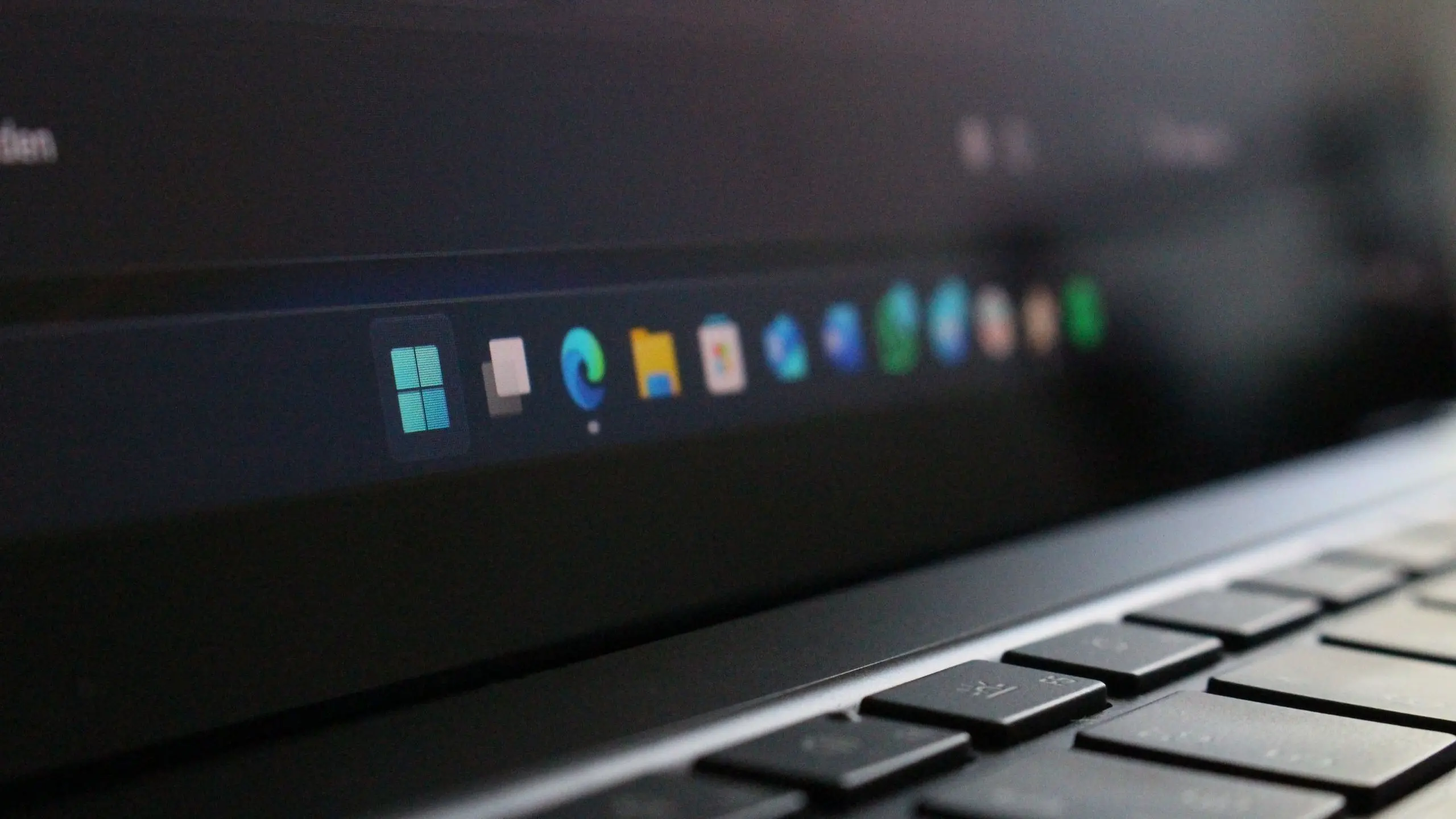
Windows 11 arrived in October 2021 with a redesigned taskbar, rounded corners and a centred Start button. It also arrived without something millions of people had used every day for more than a decade: the ability to move the taskbar to the top, left or right edge of the screen. More than three years later that option still does not exist anywhere in Settings, and a free third-party utility has quietly become the most practical way to get it back.
The app is small, open source and distributed at no cost. It hooks into the Windows shell and restores position controls that Microsoft removed when it rebuilt the taskbar from the ground up. Users can pin the bar to the top of the display, park it on a side edge for a vertical-monitor setup, or leave it at the bottom and simply adjust its size and behaviour. There is no subscription, no account requirement and no bundled adware.
It is not the only tool that can do this, and it is not officially supported by Microsoft. But for a specific and fairly large group of users — multi-monitor workers, ultrawide owners, people who run a rotated screen beside their main display, and anyone who never adjusted to the centred bottom bar — it solves a problem that Windows itself has declined to fix.
Why Windows 11 lost the movable taskbar
The change was not an accident or an oversight. Windows 10's taskbar was a long-lived piece of Win32 code that had been extended and patched for years. It was flexible, deeply customisable and also increasingly fragile, held together by decades of backwards compatibility. When Microsoft set out to modernise the shell for Windows 11, it replaced the taskbar with a new implementation built on XAML and WinUI, the same framework used for the Start menu and the notification centre.
The rewrite bought smoother animations, better scaling on high-DPI displays and a cleaner separation between the shell and the rest of the operating system. What it did not buy was feature parity. Docking to a screen edge, resizing the bar, ungrouping taskbar buttons, dragging files onto taskbar icons and moving the taskbar to a second monitor all disappeared on day one. Some of those features have trickled back through subsequent releases. Moving the taskbar has not.
Microsoft's public position has been consistent: it is aware of the request, it is not a priority. Feedback items asking for taskbar position controls have accumulated tens of thousands of votes on the company's official suggestion channels without producing a commitment. Internally, the feature is understood to conflict with the design language Microsoft has settled on for Windows 11, where the taskbar is anchored to the bottom edge and the Start menu flies upward from it.
What the app actually does
The utility takes a different approach from a simple registry tweak, because no registry tweak exists. It attaches to the Windows shell process at startup and applies patches that re-enable the position logic still present, but disabled, in the modern taskbar code. In practical terms, that gives users a short list of controls that Windows itself hides:
- Edge selection. Dock the taskbar to the top, bottom, left or right edge of the primary display, mirroring the Windows 10 behaviour.
- Size adjustment. Change the height or width of the bar beyond the three preset sizes Microsoft allows.
- Multi-monitor handling. Choose which display carries the taskbar and whether secondary screens show one at all.
- Icon behaviour. Restore labels next to taskbar buttons or keep the compact icon-only look, depending on preference.
- Persistence. Save a configuration and reapply it automatically after a reboot or an Explorer restart.
None of this requires a modified Windows image, a licence key or a clean install. The utility runs as a normal application, asks for the elevated permissions it needs to touch the shell, and can be removed by deleting a folder.
How it works under the hood
Third-party taskbar tools generally fall into two camps. The first group, which includes the well-known ExplorerPatcher project, restores the entire Windows 10 taskbar wholesale — the old Win32 shell, the old context menus and the old behaviour. That approach is powerful and delivers near-perfect fidelity to the Windows 10 experience, but it is also invasive, and it has repeatedly been broken by Microsoft's own changes.
The second group, which includes this app and several mods distributed through the open-source Windhawk modding platform, leaves the new taskbar in place and patches only the specific behaviours it needs to change. That is a lighter touch. It preserves the Windows 11 animations, the centred Start button and the modern flyouts, and it tends to survive minor cumulative updates because it is not fighting the shell's overall architecture.
The trade-off is that both approaches depend on internal, undocumented interfaces. Microsoft does not publish the symbols or memory offsets these tools rely on, so every significant shell update risks breaking them until the developers catch up. That is not a flaw unique to this app — it is the structural cost of adding a feature the operating system's owner has chosen not to provide.
Setting it up: what to expect
Installation is quick, but it is not a one-click consumer experience. Users should expect to download an archive from the project's repository, extract it to a permanent location rather than a temporary folder, and run the executable with administrator rights. On first launch the tool typically offers to register itself to start with Windows so the taskbar position survives a reboot.
A few practical notes are worth flagging before anyone dives in:
- Restart Explorer after changes. Most position changes only take effect once the shell process reloads, which briefly blanks the desktop and closes File Explorer windows.
- Check your antivirus. Tools that patch system processes are frequently flagged by heuristic scanners. Reputable projects publish source code and signed builds, but false positives are common and users should verify they are downloading from the correct location.
- Create a restore point first. This is standard advice for any shell modification and it costs nothing.
- Expect to update. After a major Windows feature update, check the project's release page before assuming something is broken permanently.
Risks, caveats and the update treadmill
The most important caveat is that Microsoft has, on occasion, actively closed the doors these tools walk through. The clearest example came with Windows 11 version 24H2, which removed or blocked several of the internal hooks that the classic-taskbar approach depended on, forcing developers to rework or retire features. Similar, smaller disruptions have followed cumulative updates in almost every release cycle.
There is also the question of support. If a taskbar modification causes a crash, a stuck Start menu or an unresponsive search box, Microsoft's support channels will not help until the tool is uninstalled. That is a reasonable position for the company to take, but it means users are effectively self-supporting. Keeping a copy of the uninstaller and knowing how to restart Explorer from Task Manager are basic precautions.
Finally, there is a security dimension. Any utility that runs with administrator privileges and injects code into the shell has broad access to the system. Open-source licensing and public code review mitigate this considerably, but it remains a category of software where provenance matters more than it does for, say, a media player.
The alternatives, and how they compare
Anyone shopping for a solution has a handful of realistic options, each with a different trade-off:
- ExplorerPatcher. Free and open source, restores the full Windows 10 taskbar along with the old Start menu and context menus. Maximum fidelity, maximum fragility.
- Windhawk mods. Free and open source, a modular platform where individual mods adjust specific taskbar behaviours. Lighter weight, but requires assembling several mods to get a complete result.
- StartAllBack. A polished commercial option with a small one-off licence fee. Bundles taskbar positioning, Start menu restoration and file explorer tweaks into a single supported package.
- Taskbar11. A free portable utility focused narrowly on taskbar size and placement, with a simpler interface than the shell-patching tools.
The choice largely comes down to how much change a user wants and how much maintenance they are willing to absorb. A single missing feature — taskbar position — is best served by the lightest tool that provides it. A user who wants the entire Windows 10 shell back should look at the heavier options.
Who actually needs this
Taskbar position sounds like a cosmetic preference until you look at how people actually work. Vertical taskbars are common on widescreen and ultrawide monitors, where horizontal space is plentiful and vertical space is precious; a bottom-docked bar eats into the dimension that is already in short supply. Users with a rotated secondary display often want the taskbar on the side of that screen so it matches the physical orientation of the monitor.
Multi-monitor setups raise a related problem. Windows 11 handles secondary taskbars differently from Windows 10, and users who relied on per-display taskbars with consistent positioning have had to relearn their workflow. Accessibility users are another group: for some people with motor impairments or specific vision requirements, a taskbar at the top of the screen reduces travel distance and eye movement significantly.
There is also a simple habit factor. Millions of people used a top-docked or side-docked taskbar for fifteen years between Windows 95 and Windows 10. Muscle memory does not reset because an operating system changes its design guidelines.
What Microsoft says — and what happens next
The official answer has not changed. Microsoft has repeatedly described the modern taskbar as a foundation it intends to build on, and has prioritised restoring features like taskbar labels, never-combined buttons and the ability to end tasks directly from the taskbar. Position control has not appeared on any published roadmap for Windows 11, and there is nothing in the current preview builds to suggest it is coming.
What has changed is the pace of third-party development. The tools in this space are more mature, better maintained and more cautious about system stability than they were in 2021, when the first wave of taskbar utilities shipped as rough proofs of concept. Projects now publish changelogs tied to specific Windows build numbers, warn users when a new release breaks compatibility, and offer clean uninstall paths.
The practical upshot is that moving the Windows 11 taskbar is no longer an exotic hack requiring registry surgery and blind faith. It is a free download, a UAC prompt and an Explorer restart away — with the standing caveat that the feature exists at Microsoft's sufferance rather than by its design, and that anyone relying on it should keep an eye on the project's release notes after every Patch Tuesday.
Source: Windows Central News