

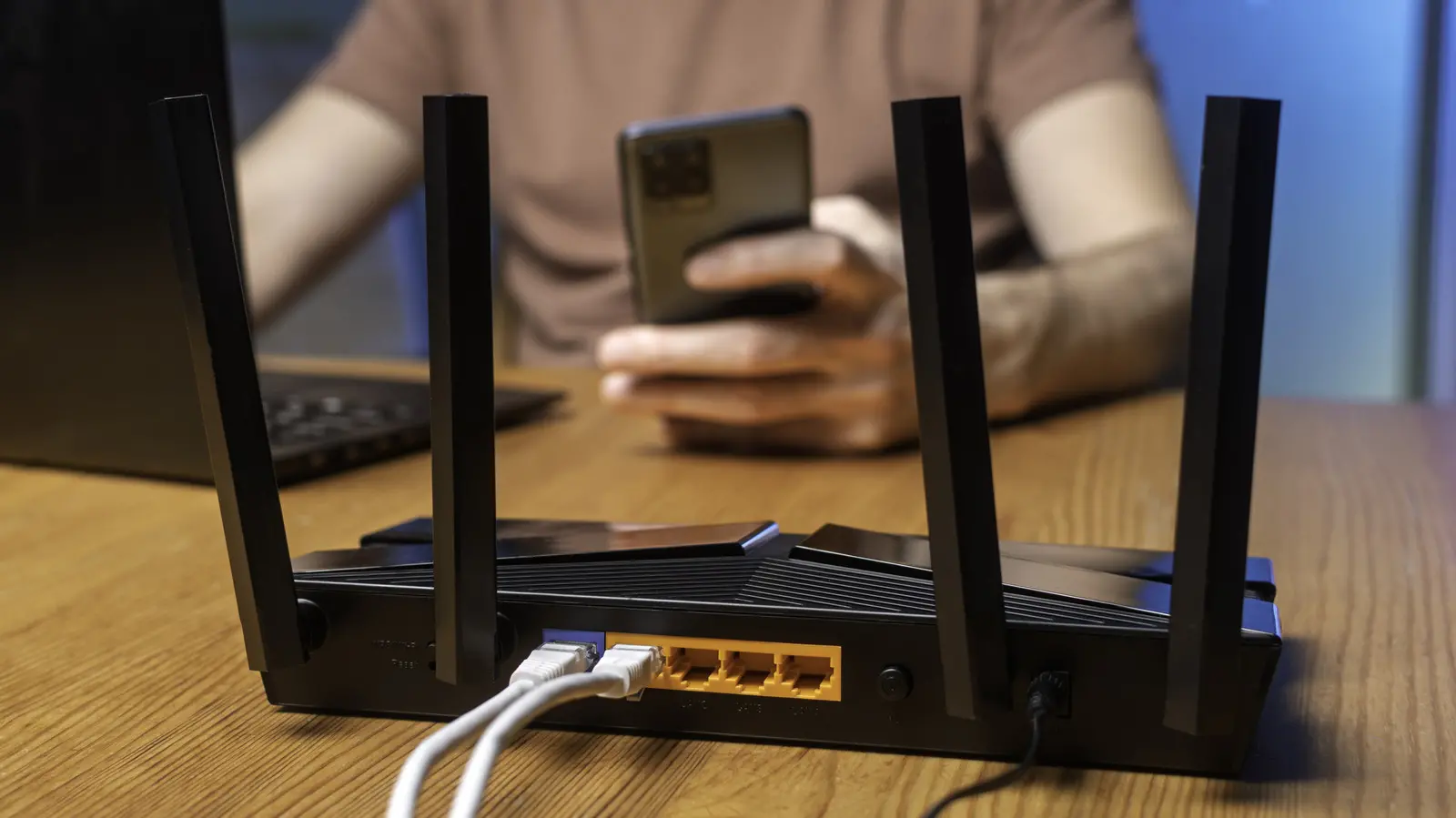
Walk into any electronics retailer and the router aisle quickly becomes a wall of numbers: AX3000, BE9300, dual-band, tri-band, 2.4 GHz, 5 GHz, 6 GHz. The labels are dense, but the underlying question is simple. How many radio frequencies does the box broadcast, and does your household actually need the extra ones?
At the most basic level, a router is a radio transmitter. It takes data coming in from your internet provider and pushes it out over specific slices of the wireless spectrum. The number of bands a router supports determines how many of those slices it can use at once, and that in turn shapes how much traffic the network can carry before devices begin competing for airtime. Understanding that single distinction explains most of the difference between a budget router and a premium one.
Single-band, dual-band, and tri-band, defined
Wireless routers come in three broad tiers, and each tier is defined by the radios packed inside the chassis.
- Single-band: A 2.4 GHz radio only. These are the oldest and cheapest designs, still found in some entry-level gear and in the modem-router combos handed out by internet providers. The 2.4 GHz frequency travels far and pushes through walls reasonably well, but it is slow by modern standards and heavily congested.
- Dual-band: A 2.4 GHz radio plus one 5 GHz radio. This is the standard configuration for most routers sold today. The 5 GHz band carries far more data per second, while the 2.4 GHz band covers distance and serves low-demand devices.
- Tri-band: A 2.4 GHz radio plus two high-speed radios. In older designs both of those are 5 GHz. In newer Wi-Fi 6E and Wi-Fi 7 hardware, the third radio operates on 6 GHz instead.
Quad-band routers exist at the very top of the consumer market, adding yet another high-frequency radio for households that have genuinely run out of capacity. They remain a niche product with a matching price tag.
How a dual-band router divides the work
On a dual-band router, the 2.4 GHz band handles the long haul. It is the frequency that reaches the far corner of the backyard, the garage, and the upstairs bedroom. It is also where most smart-home hardware lives, because thermostats, doorbells, robot vacuums, and smart plugs are typically built around inexpensive 2.4 GHz radios.
The 5 GHz band is the performance lane. It offers more usable channels, wider channel widths, and dramatically higher throughput, which is why it is the band that matters for 4K streaming, large file transfers, video calls, and online gaming. The trade-off is physics. Higher frequencies attenuate faster, so 5 GHz signals lose strength over distance and struggle to punch through brick, concrete, and even dense drywall.
Most modern dual-band routers ship with band steering enabled, meaning the router advertises a single network name and quietly decides which frequency each device should use. Some models still expose separate network names so users can lock a device to a preferred band manually, which is useful for older gadgets that behave badly when handed off between frequencies.
What the third band actually buys you
The most common misconception about tri-band routers is that they make any single device faster. They generally do not. A laptop or phone connects to one band at a time, so its peak speed is capped by its own radio and by the band it joins. What a third radio provides is additional capacity, an extra lane on the highway rather than a higher speed limit.
That matters in households where many devices demand high throughput simultaneously. Picture two people playing online games, one television streaming a 4K movie, a video call running in a home office, and a console downloading a large update in the background. On a dual-band router, all of that high-bandwidth traffic shares a single 5 GHz radio and competes for airtime. A tri-band router can split those devices across two high-speed radios, reducing congestion and keeping latency steady.
Tri-band hardware also shines in mesh systems, where one of the high-speed radios can be reserved as a dedicated wireless backhaul linking the satellite nodes to the main unit. That keeps the backhaul traffic off the bands your devices are using, which can meaningfully improve performance in large homes where running Ethernet cable between nodes is impractical.
Why manufacturers do not simply build all-5 GHz routers
If 5 GHz is faster, why not stack three or four 5 GHz radios and skip the 2.4 GHz band entirely? There are several practical reasons.
First, range. A router broadcasting only on 5 GHz would leave dead zones in most homes, particularly through exterior walls and on upper floors. The 2.4 GHz band remains the only realistic option for covering distance with a single access point. Second, device compatibility. Countless smart-home products, security cameras, and older gadgets simply cannot see a 5 GHz network, so a router without a 2.4 GHz radio would strand them.
Third, interference between radios. Two 5 GHz radios operating in the same chassis must be carefully separated across channels to avoid stepping on each other, and the available non-overlapping spectrum, while larger than at 2.4 GHz, is finite. Fourth, cost. Each additional radio adds amplifiers, filters, and antennas, which is why tri-band routers typically cost noticeably more than comparable dual-band models with the same Wi-Fi generation.
Airtime, channel width, and the congestion problem
Wi-Fi is a shared medium. Only one device on a given channel can transmit at a time, so every client takes a turn. When a network is described as congested, what is really happening is that devices are waiting in line for airtime. Faster radios help because they finish each transmission sooner, freeing the channel for the next device, but they do not eliminate the queue.
Channel width is the other half of the equation. A 20 MHz channel carries less data than an 80 MHz channel, but wider channels are more susceptible to interference and overlap with neighbors. The 5 GHz band offers many more non-overlapping channels than 2.4 GHz, which is one reason it performs better in apartment buildings where dozens of networks compete for space. Some 5 GHz channels also fall under dynamic frequency selection rules, requiring the router to vacate the channel if radar is detected nearby.
Modern Wi-Fi 6 and Wi-Fi 7 hardware layers efficiency features on top of raw bandwidth. Orthogonal frequency-division multiple access lets a single transmission serve several devices at once, while multi-user MIMO directs separate streams to separate clients. These technologies reduce the practical benefit of simply adding more bands, which is why a well-designed dual-band Wi-Fi 6 router can outperform an older tri-band unit.
The 6 GHz twist: Wi-Fi 6E and Wi-Fi 7
The newest tri-band routers often replace the second 5 GHz radio with a 6 GHz radio. This is the defining feature of Wi-Fi 6E, and Wi-Fi 7 hardware extends the idea with wider channels and multi-link operation, which allows a device to use more than one band at the same time.
The 6 GHz band is attractive because it is essentially empty. There is no legacy traffic, no microwave oven interference, and no older gadgets crowding the spectrum. In countries that have opened the full allocation, it provides a large block of clean channels capable of extremely wide channel widths. The catch is identical to the 5 GHz catch, only more so: 6 GHz signals have shorter range and penetrate obstacles poorly. A device in the same room as the router will see spectacular speeds. The same device two rooms away may fall back to 5 GHz or 2.4 GHz.
Wi-Fi 7 routers remain expensive relative to the rest of the market, and their headline speeds assume client devices that also support Wi-Fi 7. Most households will not notice a difference until their phones, laptops, and televisions catch up.
Matching the router to the household
For a couple in a one-bedroom apartment with a handful of devices, a dual-band router is almost always the right call. Typical usage, browsing, video calls, streaming on one television, and a few smart-home accessories, fits comfortably within a single 5 GHz radio. Spending more on extra bands would deliver no measurable improvement.
A family home with several teenagers, multiple gaming consoles, a 4K television, and heavy work-from-home traffic sits in the tri-band sweet spot. The additional radio provides headroom during peak hours when several high-bandwidth activities overlap.
Homes with a large physical footprint should prioritize coverage over band count. A dual-band mesh system with three nodes will typically beat a single powerful tri-band router placed in a closet, because proximity to an access point matters more than the number of radios broadcasting from far away. Where Ethernet cabling is available, wiring mesh nodes together eliminates the backhaul problem entirely and can make a dual-band system perform like a much pricier tri-band one.
Factors that matter as much as band count
Buyers often fixate on bands while overlooking variables with greater day-to-day impact. The internet plan itself sets the ceiling; a router cannot deliver more throughput than the connection feeding it. Router placement determines real-world signal quality more than any specification sheet. Wi-Fi generation, antenna count, and the capabilities of client devices all shape the experience.
Wired connections deserve a mention too. Anything stationary that needs reliable bandwidth, a desktop, a console, a television, a NAS drive, is better served by an Ethernet cable. Every device moved off the wireless network frees airtime for everything else, which is a cheaper upgrade than a new router.
Price is the final filter. Dual-band routers cover the vast majority of households at a fraction of the cost, and tri-band models command a premium that only pays off under genuine multi-device load. A mid-range tri-band unit with mediocre placement will still lose to a well-positioned dual-band router in the center of the home, broadcasting on a clear channel, serving devices that rarely ask for more than it can give.
Source: SlashGear News