

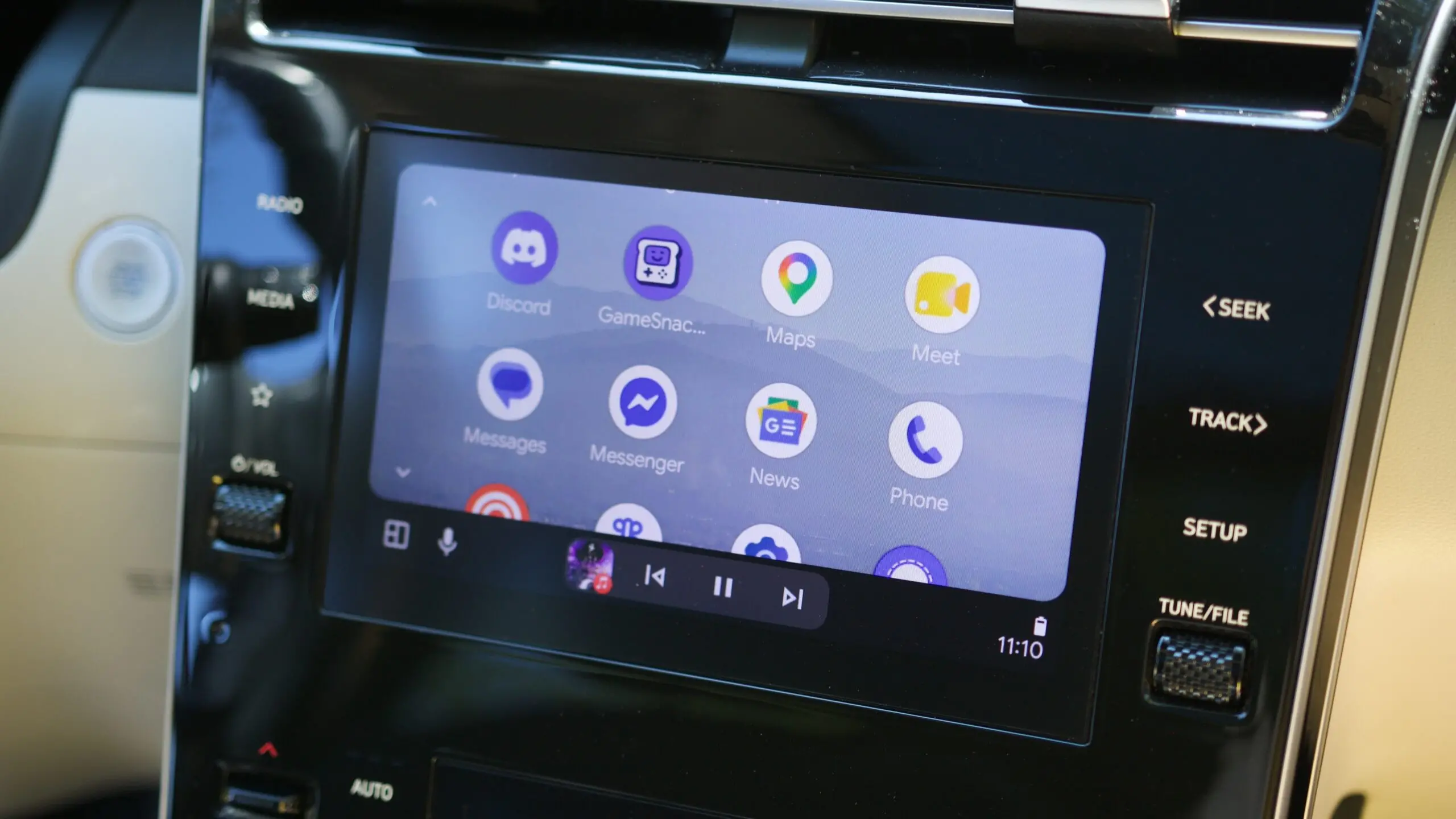
Android Auto users who enjoy watching live television on their car's infotainment screen have a reason to celebrate. A familiar name is making its way back to the platform, but this time it is powered by a completely new engine. Fermata Xtream, one of the most popular third-party apps for streaming live TV in the car, has returned with a full rewrite of its codebase. The developer behind the project quietly announced the release of version 1.0.0, marking a fresh chapter after a brief period of uncertainty and a near shutdown.
What Is Fermata Xtream?
Fermata Xtream has long been a go-to app for Android Auto users who want to watch live television while parked or in compatible vehicles. It is not an official Google product and is not available on the Google Play Store in the traditional sense. Instead, it has circulated through direct downloads, GitHub repositories, and third-party stores. The app functions by pulling live TV streams from various sources and displaying them through an interface designed for Android Auto. Over time, it developed a loyal following among users who wanted to access news, sports, or entertainment channels on the road.
The app gained popularity because Android Auto itself has never supported live TV natively. Google's platform is designed primarily for navigation, communication, and audio apps, with strict policies that limit video playback while the vehicle is in motion. That does not mean video apps are impossible; rather, they are restricted and often require workarounds. Fermata Xtream became one of the most common solutions, thanks to its active development and user-focused design.
The June Announcement Shocked the Community
In June, the developer behind Fermata Xtream announced that the app was going offline. This news hit the community hard. Many users had relied on the app for years, and the announcement appeared to mark the end of the road. The free version of the app remained available on GitHub, but the developer made it clear that they were calling it quits. At the time, no detailed explanation was given beyond a general sense of burnout and the increasing difficulty of maintaining the project in a restricted environment.
For those who had donated to support the development, the announcement was especially disappointing. While the app was free to download, the developer accepted contributions to unlock premium features. Donors were left wondering if their support had been in vain and whether the project would ever be revived.
Why the Developer Decided to Return
According to the developer, the months following the shutdown announcement were not idle. They spent time trying to rewrite Fermata Xtream's existing code to improve performance. However, as the work progressed, it became clear that incremental changes would not be enough. The existing codebase was simply too limiting to achieve the speed and efficiency that modern devices and user expectations demanded.
At first, this realization reinforced the decision to walk away. But it also sparked a new challenge: completely rewriting the entire codebase from scratch. This was a massive undertaking, but the developer found the process rewarding enough to continue. The result is a new version of Fermata Xtream that is not just an update or a patch but a completely reimagined application built on 100% new code.
In the announcement, the developer noted that they tried to keep the user interface mostly the same as before. This means long-time users should not feel lost when they open the new version. Familiar layouts, menus, and playback controls remain, giving the app a sense of continuity despite the underlying changes.
What Is New in Fermata Xtream v1.0.0?
The new release is officially branded as Fermata Xtream v1.0.0, a major milestone for any software project. The version number signals a fresh start and a stable baseline for future development. The developer says that the package name is the same as the previous version, so transitioning to the new build should be as easy as installing an update over the old app. This is good news for users who are concerned about losing their settings, saved streams, or configuration files.
Another important detail is that the license for premium features remains valid for donors of previous versions. Anyone who supported the project in the past will not have to pay again to access the paid tier. This is a generous gesture and goes a long way toward rebuilding trust with the community.
The move to 100% new code is not just a cosmetic change. It is meant to improve speed and performance in significant ways. Android Auto users often complain about sluggish interfaces and laggy video playback, especially on cars with older or less powerful head units. The rewrite aims to reduce overhead, improve rendering, and make stream loading faster, all while maintaining the wide compatibility that the app is known for.
Auto-Update Support and AAenabler
One of the most interesting changes in this new version is the introduction of auto-update functionality. When a new release is pushed to GitHub, apps will now update themselves automatically. However, this only works for apps that were installed using AAenabler, a companion tool that helps enable Android Auto on unsupported devices or regions. The auto-update feature does not appear to work when the app is installed through the Play Store link or through other distribution methods.
The developer has advised users to either disable auto-update in settings or leave it enabled but not proceed with installation when a new version is detected. This unusual advice seems to stem from the way the update mechanism is implemented. The update notification may serve as a signal that a new link is available, but the actual installation process might require manual action.
For most users, this means staying connected to the app's official channels. Following the developer on social media or checking the GitHub repository regularly will help people stay informed about new releases. The auto-update feature is best seen as a convenience tool for a specific installation method rather than a universal system.
GitHub Repository Split
Alongside the new app version, the developer has also restructured the project's GitHub presence. The original repository has been split into individual repositories for different versions and tools. There is now a repository for the free version, a separate repository for the premium version, and another one specifically for AAenabler with Shizuku support. Shizuku is an open-source tool that allows apps to use system-level APIs with higher privileges, which is often necessary for Android Auto workarounds.
This split makes the project easier to manage and helps users find the right download for their needs. It also reflects the growing complexity of the Fermata ecosystem. By separating the codebases, the developer can update the free version, premium version, and companion tool independently, which could lead to faster release cycles and fewer bugs.
In addition to the GitHub repositories, the new builds are also available on the Fermata website. This gives users another distribution channel and reduces reliance on a single platform.
How to Get the New Version
Users who want to try Fermata Xtream v1.0.0 should head to the official GitHub repositories or the Fermata website. The free version is available to everyone, while the premium version requires a valid license from a previous donation. For those who used AAenabler, the app should update automatically if the feature is enabled. Otherwise, a manual download and installation will be necessary.
It is always a good idea to uninstall the previous version before installing a new one if there are any issues. Although the package name is the same, a clean installation can prevent data conflicts. Users should also back up any configuration files or stream lists before updating, just in case.
Community Reactions and Expectations
The initial response to the v1.0.0 announcement has been positive. Long-time users have expressed relief that the app is not dead after all. The promise of better performance and continued updates has generated renewed interest in the project. Some users are cautious about the auto-update feature and the split repositories, but the overall mood is optimistic.
The developer has not revealed a detailed roadmap for future versions. However, the move to a new codebase opens the door for more features and improvements. With a cleaner foundation, it becomes easier to add support for newer Android versions, fix bugs, and integrate better with Android Auto updates.
Legal and Safety Considerations
Watching live TV in a vehicle raises important safety and legal questions. Android Auto is designed to minimize distractions, and Google restricts video playback while the car is moving. Apps like Fermata Xtream often require users to enable developer settings or use third-party tools like AAenabler, which may bypass some of Google's safeguards.
It is essential to use such apps responsibly. Drivers should never watch video while operating a vehicle. Instead, live TV in the car should be reserved for situations where the vehicle is parked, or passengers can watch from the front seat while the driver focuses on the road. Local laws around windshield-mounted displays and driver distractions also vary by region, so users should familiarise themselves with the rules in their area.
Additionally, the streams accessed through Fermata Xtream may come from unofficial sources. This raises copyright concerns in some cases. Users should be aware of the legal implications of streaming certain broadcasts and should always respect intellectual property rights.
The Road Ahead
Fermata Xtream's return is a notable moment for the Android Auto community. It shows that dedicated developers can still find creative ways to bring video content to a platform that does not officially support it. The 100% new codebase is a bold statement and a bet on the project's long-term future. While the auto-update mechanism is still maturing, the fact that the developer is actively working on the app is a good sign.
For now, users can enjoy a quicker, more stable live TV experience on Android Auto with a familiar interface and a new foundation. The transition may require a bit of tinkering, but the payoff is a reliable way to keep up with live broadcasts on the go.
Source: Android Authority News