

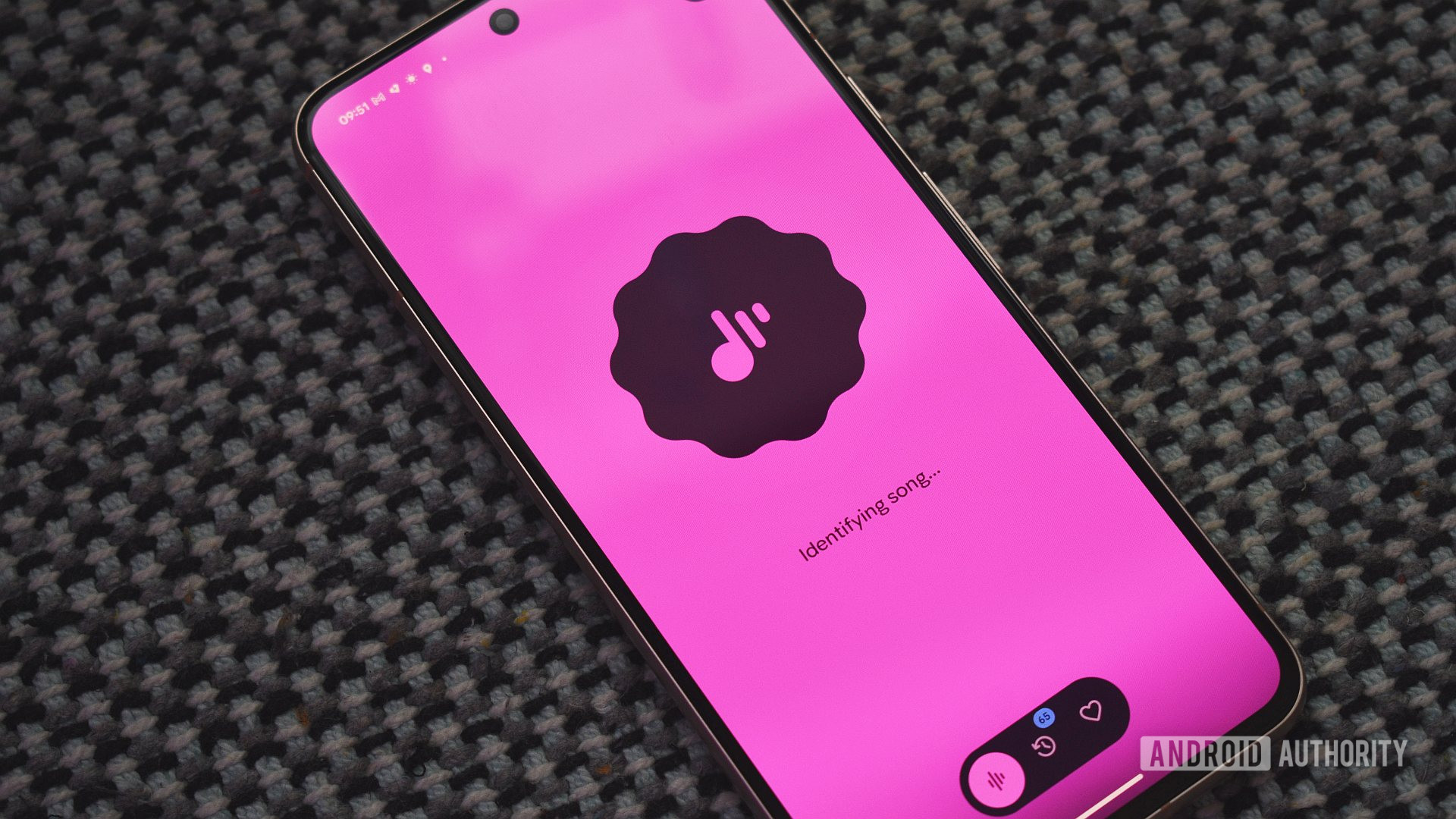
Recently, many Pixel users have shared positive news regarding the Now Playing app, which has been upgraded to function as a standalone application. Following the March Pixel Drop, this app was introduced to enhance the song identification experience, but it initially faced several significant issues.
Upon its launch, users quickly noticed that the app was not displaying the 'Tap to see what’s playing' option on their lock screens, which was a major feature of the previous integration within Android System Intelligence. Additionally, problems arose regarding the syncing of song history, leaving many users frustrated.
Fortunately, Google has been proactive in addressing these concerns. Users have reported receiving notifications about updates to the Now Playing app, and many are pleased to find that the lock screen functionality has returned. However, it’s worth noting that not all users have experienced these fixes, as some still report issues with the lock screen feature.
Significant Improvements and Features
The Now Playing app, which allows for song identification, has been enhanced to include a variety of new features aimed at improving user experience. These additions include a comprehensive hub for music discovery, the ability to view and manage previous songs, and options to listen to tracks from favorite music services. The standalone version of the app is designed to offer a more seamless experience compared to its previous integration.
Despite the initial hiccups following its rollout, the app's updates appear to have resolved many of the issues reported by users. One user mentioned that the 'Tap to see what’s playing' option has reappeared on their device, indicating that Google is working diligently to rectify these problems.
User Feedback and Engagement
A recent poll among users revealed that opinions on the new Now Playing app vary. Approximately 50% of respondents believe it is a significant improvement over the old version, while 34% feel it is adequate but not groundbreaking. Only 16% expressed indifference towards the app.
Troubleshooting and Support
For users still experiencing difficulties, Google has provided a troubleshooting guide to assist with common issues. Here are some key points from their recommendations:
- Missing features: If you don’t see the Now Playing features, ensure that the necessary system services are enabled. Users should navigate to Now Playing > Settings > Use Now Playing to check their settings.
- Automatic song identification: If songs aren’t being identified, it may take up to 24 hours to download the necessary song fingerprints. Users should also verify that Battery Saver is turned off and that microphone permissions are granted to Android System Intelligence.
- Song history issues: If song history disappears after the update, it might take up to 24 hours to resolve. If problems persist, check to ensure the Now Playing app is enabled to retrieve your song history.
- Exporting songs: Currently, the app does not support bulk downloads, but users can manually export songs by selecting each one in the Now Playing History and using the Share icon.
Google emphasizes that many of the issues users faced were tied to the March software update. Those who have not installed this update might see messages indicating compatibility problems. The company advises that the app requires up to 24 hours to fully configure on devices post-update.
In conclusion, while the Now Playing app faced significant challenges shortly after its launch, the recent updates appear to be addressing user complaints effectively. As Google continues to refine this application, users can expect a more reliable and enjoyable experience moving forward.
Source: Android Authority News