

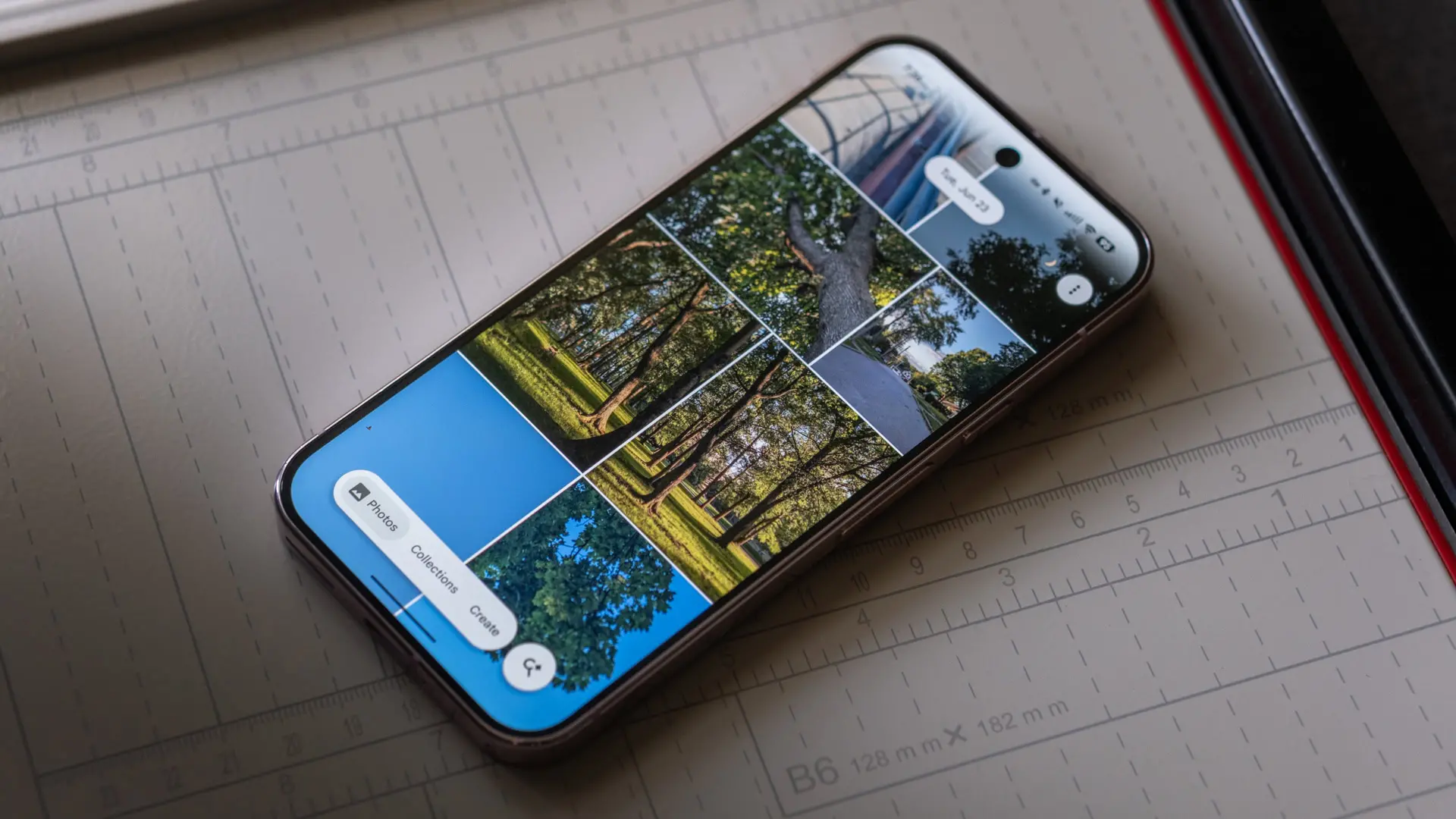
Google Photos is once again evolving to provide users with more powerful and intuitive tools. Recent discoveries from an APK teardown of version 7.84 of the app reveal two significant upcoming features: an improved text copying mechanism and an expansion of the Material 3 Expressive design language to more settings pages. These updates reflect Google's ongoing commitment to refining the user experience in its photo management platform, which already boasts over a billion users.
New Text Selection Tool in Google Photos
Currently, when Google Photos detects text in an image, users have two primary ways to copy it. One method involves swiping up on the photo to bring up details and then tapping the 'Copy text' option, which opens Google Lens. The other method is to access Google Lens directly from the three-dot menu. While these work, they require extra steps and sometimes open a separate app interface.
The upcoming update introduces a dedicated text selection feature built directly into the Photos app. When the app recognizes text, a new icon will appear in the bottom right corner of the screen. Tapping this icon scans the text and highlights it, displaying a 'Copy All' button at the bottom. Users can also long-press to select specific portions of text, similar to selecting text in a document or on a website. This streamlines the process and keeps users within the Photos environment, reducing friction.
This enhancement is particularly useful for capturing quotes, addresses, phone numbers, or any text found in photos. For example, a user can quickly copy a recipe from a screenshot, extract a phone number from a business card image, or grab a Wi-Fi password from a photo. The new tool is expected to save time and improve accuracy over the current Google Lens integration.
How It Works
According to the teardown, the feature is activated automatically when Google Photos detects text. The icon appears only when the app's OCR engine identifies text within the image. Once tapped, the text is scanned and selectable. The 'Copy All' feature copies all detected text to the clipboard, while long-pressing allows precision selection. This is similar to the text selection functionality found in other apps like Google Keep or in the Chrome browser on mobile.
Google's OCR technology has improved significantly over the years, with the ability to recognize various fonts, sizes, and orientations. This update leverages that capability to make image text actionable. The feature is still under development and may change before public release, but it represents a significant step forward in how users interact with text in images.
In addition to the text tool, another interesting observation is that the new UI appears to be designed with Material 3 components, which aligns with Google's overall design direction.
Expansion of Material 3 Expressive UI
Earlier this year, Google revamped the Backup page in Google Photos with the Material 3 Expressive design language. That update introduced rounded containers, dynamic color themes, and more whitespace. Now, it appears the design is expanding to the Settings and Preferences pages.
The teardown shows that the Settings page will group each option into a visually distinct container with rounded corners and adaptive theming. This makes the page look cleaner and helps users differentiate between sections such as 'Privacy', 'Backup & sync', 'Notifications', and more. The Preferences page, which includes options like 'Memory' and 'Photos & videos', will also adopt this style.
Material 3, also known as Material You, is Google's latest design language that emphasizes personalization, adaptability, and a modern aesthetic. The Expressive version takes it further with bolder use of color, typography, and shape. By applying this to more areas of Google Photos, Google is creating a more cohesive and pleasant visual experience.
It's important to note that the update appears to be limited to the Settings and Preferences pages for now. Other pages like Sharing, Apps & devices, and Notifications still retain the older UI. However, given the pattern, it's likely that Google will gradually roll out the Expressive design to additional sections in future updates.
Why This Matters
User interface consistency is crucial for user satisfaction. When an app uses different design languages across its pages, it can feel disjointed. By unifying the UI under Material 3 Expressive, Google Photos will offer a more seamless experience that matches the look and feel of other Google apps like Gmail, Drive, and Calendar. This also aligns with the broader Android ecosystem, where Material 3 is becoming the standard.
The expansion of the Expressive design is not just about aesthetics; it also improves usability. Larger touch targets, better contrast, and clearer visual hierarchy can reduce user errors and increase efficiency. For example, the container design for each setting makes it easier to tap the right option, especially on smaller screens.
Google Photos has been a leader in photo management and editing, and these incremental improvements to the interface show that the company is dedicated to refining even the smallest details. The text selection tool, in particular, addresses a common user need: extracting text from images without leaving the app.
Background and Context
Google Photos launched in 2015 as a standalone service, replacing the photo features in Google+. It quickly gained popularity due to its unlimited free storage (which ended in 2021) and powerful AI features. Over the years, Google has added features like automatic albums, face recognition, memory creation, and advanced editing tools.
The app currently has over one billion monthly active users, making it one of the most popular photo services worldwide. Its features, like search by object or text within images, have set it apart from competitors. The upcoming text selection tool further enhances the app's utility, turning it into a productivity tool as well as a photo management platform.
Material 3 was first introduced with Android 12 in 2021, emphasizing dynamic color theming based on the user's wallpaper. Google has been gradually updating its apps to comply with this design language. The Expressive variant, which first appeared in Google Photos' Backup UI, is a bolder adaptation that uses more saturated colors and larger shapes.
This update is currently in development and may not be available to all users immediately. However, teardowns have often proven accurate in predicting upcoming features. Users can expect the text selection tool and UI updates to roll out in the coming weeks or months through a server-side update or a new app version.
For power users who frequently extract text from images, this new tool will be a welcome addition. It reduces the number of taps needed and eliminates the need to switch to another app like Google Lens. For casual users, the improved Settings UI will make navigating preferences more pleasant.
As Google continues to refine its products, these updates demonstrate a focus on both functionality and design. The text selection feature addresses a practical need, while the UI update ensures visual consistency across the app. Together, they contribute to a more polished and user-friendly experience.
Source: Android Authority News