

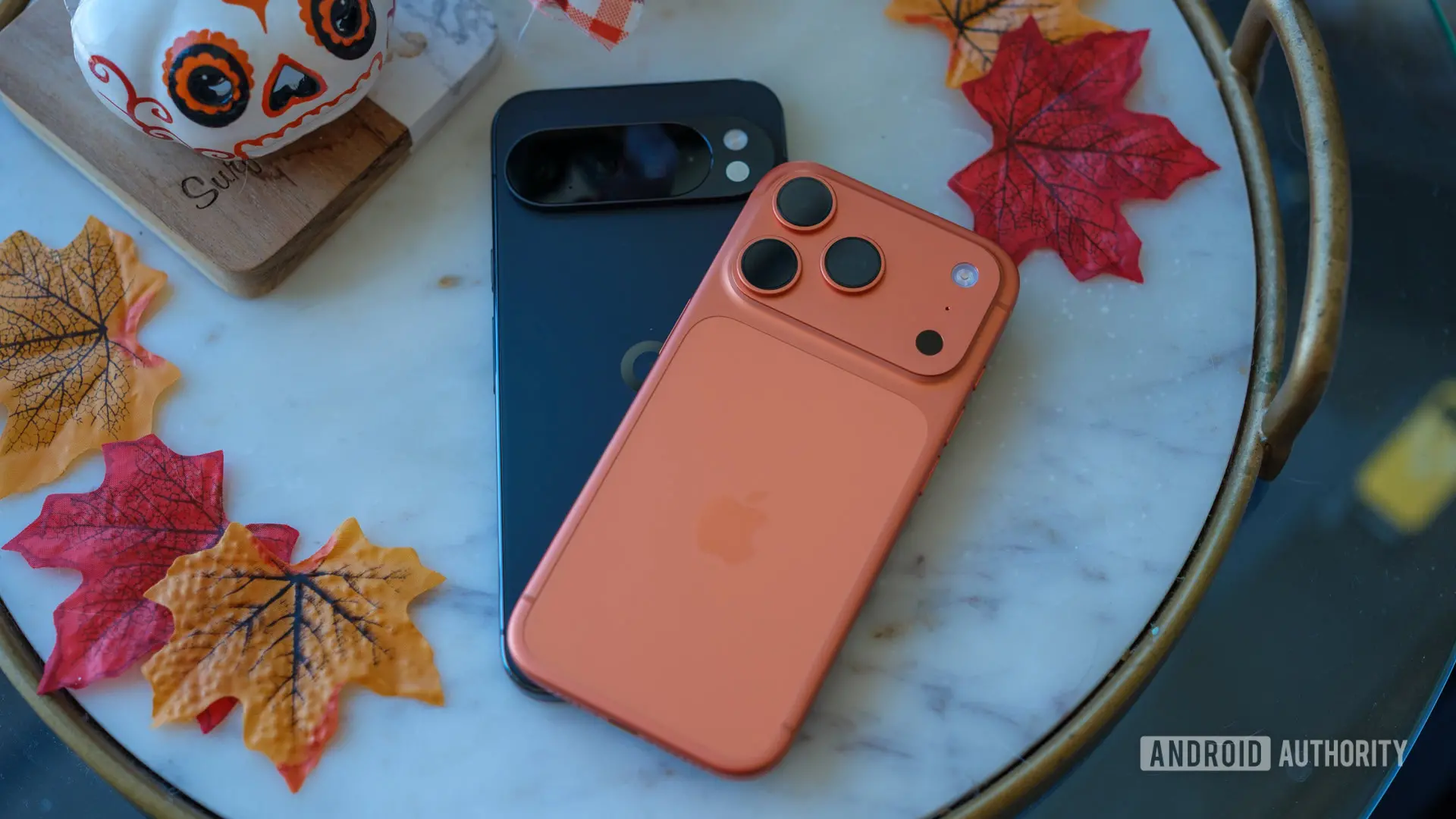
With the stable release of Android 17 for Pixel devices, Google introduced a revamped device transfer tool designed to simplify switching from iPhone to Android. Developed in collaboration with Apple, the upgraded Android Switch is integrated directly into Android 17, enabling users to transfer more data from their old iPhone in a smoother, more hassle-free manner — whether connecting wirelessly or via a cable. Today, Google shared additional details about the feature's capabilities and device compatibility. It turns out that not all Android 17 devices are supported, leaving some Pixel owners out.
Device Compatibility: Who Gets the Upgrade?
Google’s Mishaal Rahman revealed on Reddit that the updated Android Switch experience is currently available on the Pixel 8, Pixel 9, and Pixel 10 series, along with Samsung’s new Galaxy Z Flip 8 and Z Fold 8 foldables. This means users of the Pixel 6 and Pixel 7 are left behind, despite those phones being eligible for the Android 17 update. While the omission may seem concerning, it likely reflects Google's targeting of newer hardware for a feature that benefits the most active switchers. Few buyers are migrating from an iPhone to a four- or five-year-old Android device, so the impact is minimal.
Pixel 8: A Notable Limitation
Even among supported devices, there is a nuance: the Pixel 8 can only use the new Android Switch during the initial phone setup. After the setup wizard is complete, the feature becomes inaccessible. In contrast, Pixel 9, Pixel 10, and the latest Samsung foldables offer full post-setup access via the Accounts & Backup section in Settings. This discrepancy may be due to software limitations or Google's decision to prioritize later Pixel generations for the most comprehensive experience. Users of Pixel 8 who miss the initial transfer window may need to factory reset or resort to older transfer methods.
What Data Can Be Transferred?
Rahman also published a detailed comparison chart showing the data types supported by the new upgraded Android Switch versus the classic wireless and wired methods. The upgraded option brings support for previously missing data categories:
- Classic Wireless: Only basic items like calendar events, contacts, local photos/videos, and free apps (but not bundled with transfer).
- Classic Wired: Adds backup of clock alarms, device settings, downloaded files, iMessage history, notes, voice memos, WhatsApp history, SMS/MMS/RCS, and more.
- Upgraded: Everything from classic wired plus encrypted RCS, all files/folders, calendar attachments, call history, eSIM profiles, notes attachments/labels, offloaded message attachments, one-time passwords (OTPs), passkeys, passwords, a third-party app data channel, Wi-Fi credentials, and soon photo albums.
The most notable additions include eSIM migration, passkey and password transfer, and encrypted RCS continuity. This represents a significant jump in feature parity between iOS and Android data portability, reducing the friction that power users face when switching ecosystems.
Technical Implementation Details
The new Android Switch leverages a direct peer-to-peer connection established via a QR code scan or a wired USB-C to Lightning/USB-C cable. It uses Apple’s Migration Framework for iOS-to-Android transfers, which became available starting with iOS 17. Google’s collaboration with Apple ensures that the entire process is encrypted end-to-end, protecting sensitive data like passwords and passkeys during transfer. Notably, support for encrypted RCS messages is a first — previously, only unencrypted SMS/MMS could be moved. This aligns with the broader industry push toward end-to-end encryption for messaging.
Historical Context of Android Switch
Google has offered a basic migration tool since the early days of Android, but it was often clunky and limited. With each major Android release, the company refined the process — Android 7 added wired transfers, Android 12 introduced smart restoration from cloud backups, and Android 14 improved cross-platform media migration. Android 17’s upgraded Switch is the culmination of years of incremental improvements and intensive collaboration with Apple.
The timing of this release is also strategic. With Apple’s iMessage switching being a hot topic in regulatory discussions (e.g., EU’s Digital Markets Act), offering a seamless experience that preserves iMessage history could reduce one of the major switching hurdles. By supporting iMessage history transfer (via the classic wired method) and now encrypted RCS, Google aims to make the transition less painful for iPhone users.
Impact on Users and the Broader Market
For potential switchers, the new tool lowers the barrier to trying Android, especially for users invested in Apple’s ecosystem with passkeys, eSIMs, and encrypted chats. The ability to bring over call history, calendar attachments, and Wi-Fi credentials means fewer setup tasks after the move. However, the exclusion of Pixel 6 and 7 may frustrate some existing Android users who hoped to use the feature when upgrading to a newer Pixel or when helping a friend switch to their older device.
Samsung’s inclusion in the supported device list is also noteworthy. It signals that Google is working closely with major OEMs to standardize migration experiences, potentially leading to broader adoption across the Android ecosystem in future updates. The fact that Samsung’s latest foldables get full post-setup access suggests that the feature is not Pixel-exclusive and may expand to other brands or older models with future patches.
WhatsApp Chat History Transfer
An important detail Google shared is that WhatsApp chat history can be transferred after initial setup, even on devices that don’t support the full post-setup Android Switch experience. This flexibility ensures that users who forget to transfer during setup or who upgrade from an older Android to a new one can still retrieve their chat data. The process uses a QR code scan and works locally over Wi-Fi, similar to the approach used by WhatsApp’s own transfer tool on iOS.
Future Outlook
Google has indicated that photo album transfer is “coming soon” to the upgraded Android Switch. This is one of the most requested features, as many users have organized their photo libraries into albums on iPhone. Once this support arrives, it will further close the gap between iOS and Android migration capabilities.
Additionally, the inclusion of a third-party app data channel suggests that developers could soon enable their apps to participate in data migration, allowing for custom transfer of in-app data like game progress or health records. This could make switching even more seamless in the long run.
The upgraded Android Switch is available now on Pixel 8, 9, and 10 phones running Android 17, as well as the Samsung Galaxy Z Fold 8, Z Fold 8 Ultra, and Z Flip 8. For Pixel 6 and Pixel 7 users, Google recommends the classic wired method or waiting for potential future expansion of support.
Source: Android Authority News