

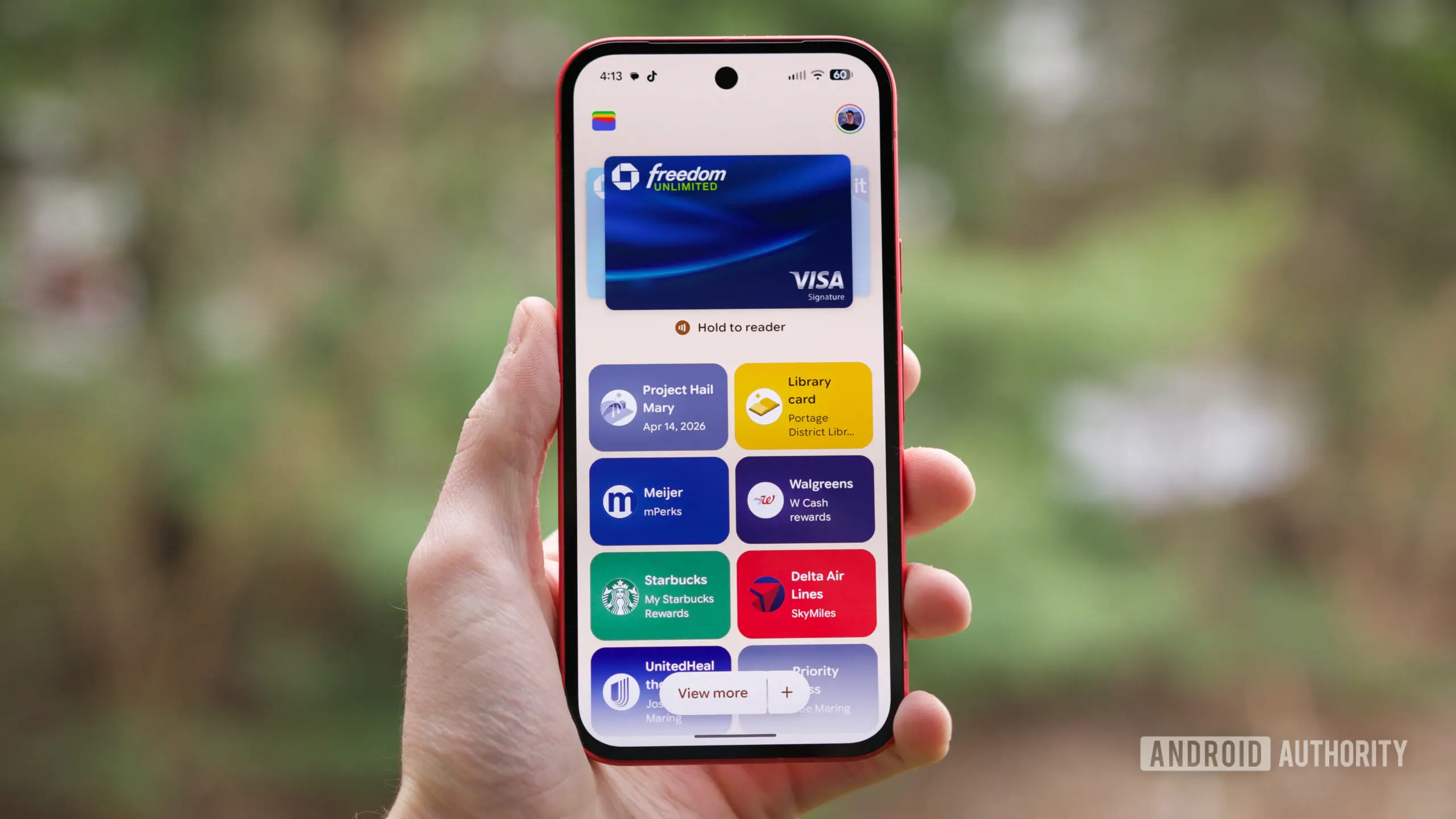
Google is enhancing Chrome's autofill functionality by deepening its integration with Google Wallet. The latest update brings support for filling in vehicle-related fields—such as license plate numbers and Vehicle Identification Numbers (VINs)—as well as travel data like flight details. This feature is now rolling out to users on both Android and iOS devices, with broader availability than previously announced.
The expansion builds on last year's initial Android rollout, which focused on limited data types. Now, Chrome on mobile can automatically populate forms containing these fields if the corresponding information is saved in Google Wallet. The bidirectional sync also allows users to save new data into Wallet directly from Chrome upon first entry, streamlining the process of building a digital wallet.
New data types and platform support
Google Wallet has evolved from a simple payment method storage to a comprehensive repository for passes, loyalty cards, event tickets, and more. The latest autofill update introduces support for several new categories:
- Vehicle data: License plate number, VIN, and possibly insurance information, enabling quicker form fills for parking, toll roads, or rental car bookings.
- Travel details: Flight numbers, departure times, and airline record locators, making check-in and itinerary lookups seamless.
- Identity documents: Known Traveler Number (KTN), passport details, and driver's license numbers, with automatic field recognition across supported websites.
These additions cover both Android and iOS mobile platforms, with some capabilities also extending to desktop Chrome. The integration works in both directions: when a user enters such data into a web form on Chrome for the first time, they can opt to save it to Google Wallet. Conversely, if the data already resides in Wallet, Chrome autofill will suggest and fill it automatically.
How the autofill expansion works
Google's approach emphasizes user control. All saved passes and personal data can be reviewed and deleted from the Wallet settings at any time. The autofill prompts appear only when a form field matches a stored Wallet entry, and users must manually select the suggestion. No data is automatically submitted without user action.
From a technical perspective, Chrome uses on-device matching algorithms to detect form fields. When a field is identified as a license plate number or flight record locator, the browser queries the local Wallet database (or cloud-synced encrypted storage) for a match. The data is processed locally to the extent possible, minimizing server-side exposure.
Background on Chrome autofill and Google Wallet integration
Chrome autofill has been a core feature for years, originally focusing on addresses, credit cards, and passwords. The integration with Google Wallet started with payment methods and loyalty cards, gradually expanding to more specialized passes. At Google I/O 2026, the company previewed even broader Wallet capabilities, including support for transit passes, digital car keys, and student IDs. Today's autofill expansion is part of that ongoing roadmap.
The push to include vehicle and travel data addresses a common pain point: manually typing these details into mobile forms is error-prone and time-consuming. By leveraging Wallet's existing infrastructure, Google aims to reduce friction for frequent travelers and drivers. This is particularly relevant for cross-app workflows—for example, booking a flight on a travel site and needing to input a Known Traveler Number for TSA PreCheck.
Competitive landscape and industry context
Other browsers and operating systems offer similar autofill services. Apple's Safari integrates with iCloud Keychain to fill credit card information and passwords, and with the Wallet app for tickets and boarding passes, but has not yet expanded to vehicle data. Microsoft Edge uses a cloud-based autofill for addresses and payment info, but lacks a dedicated digital wallet integration for specialized passes. Google's move positions Chrome as the most comprehensive autofill solution for users who rely on Wallet for daily tasks.
Privacy remains a key differentiator. Google emphasizes that Wallet data is encrypted and that autofill uses on-device processing whenever possible. Users can enable two-step verification for sensitive actions, such as saving a driver's license. The company is also complying with emerging regulations like the European Union's eIDAS framework for digital identities.
Practical implications for users
For Android users, the update is seamless: those who already use Google Wallet will see autofill suggestions appear automatically in Chrome, provided the corresponding data is stored. iOS users need to enable Wallet sync and ensure they are signed into the same Google Account across devices. Desktop users benefit from the two-way save feature, which can populate Wallet entries from a keyboard-mouse interface.
One limitation is that not all websites use standardized form field names. Google's machine learning models continuously improve field recognition, but some niche forms may not trigger autofill. Additionally, users must have granted Chrome permission to access Wallet data; this can be toggled in the browser's settings under 'Autofill and payments'.
Future outlook
The autofill expansion signals Google's broader ambition to turn Wallet into a universal digital identity hub. Future updates could include support for health cards, vaccination records, and government-issued IDs that comply with digital identity standards. The company is also working on sharing permissions for temporary access—for example, sharing a digital car key with a family member via Wallet.
As more services move online, the need for seamless data entry grows. Chrome's autofill, backed by Wallet, reduces repetitive typing and the risk of manual errors. However, users must remain vigilant about which data they store and which websites they allow to access it. Google's privacy dashboard provides an overview of all saved items and autofill events.
In summary, the current update represents a meaningful step toward a frictionless browsing experience across devices. By supporting vehicle and travel data, Chrome autofill saves time for millions of users who frequently enter such information on the go. The bidirectional save mechanism further integrates Wallet as a central repository for personal data, all while maintaining user agency and security.
Source: Android Authority News