

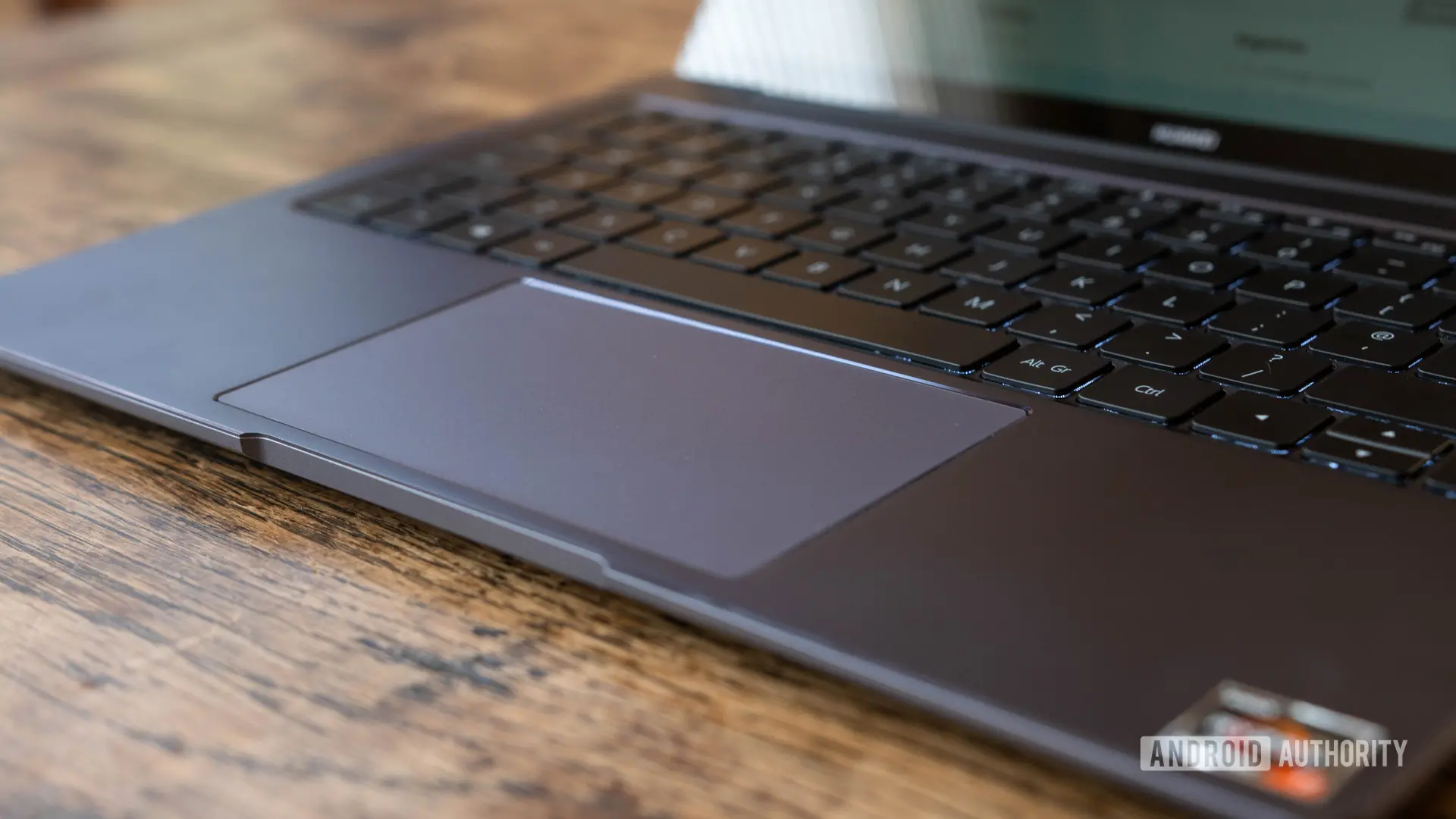
Smartphones have become universal remote controls. We use them to change channels on a TV, adjust the temperature in a smart home, or skip tracks on a wireless speaker. Very few people, however, think of their phone as the trackpad for a laptop. Google's latest work might change that.
Google is developing a feature tentatively called 'Cast trackpad.' In short, it could let an Android phone operate as a remote clickpad for Googlebook laptops. The feature was found inside the Cross-Device Services app and is not yet switched on for users. If it ships as described, it would add another type of cross-device control to Google's ecosystem, and it would come at a time when Googlebook laptops are expected to make their debut.
Here are the most important facts:
- Googlebook laptops are reportedly scheduled to arrive this fall from multiple manufacturers.
- Googlebook is expected to run on an Android foundation and function as an alternative to Chromebooks.
- The 'Cast trackpad' feature was spotted in version 1.0.1283.974003524 of Google's Cross-Device Services app.
- The tool could let Android phone users control a Googlebook remotely, supporting pointer gestures, back navigation, and volume control.
- It appears to pair with the previously leaked 'Cast My Apps' feature, which would let a Googlebook access apps running on a phone.
What is Googlebook?
Googlebook has been floating through leaks and code changes for months, often described as a fresh direction for laptops in Google's hardware ecosystem. Instead of relying on ChromeOS, Googlebook is expected to use an Android foundation. That distinction matters because Android is already designed around apps, notifications, and cloud services that mobile users depend on.
Chromebooks have dominated the budget education and productivity markets, but they still behave differently from phones in many ways. A Googlebook built on Android could blur that line further, allowing users to pick up where their phone leaves off without needing to think about which operating system is running underneath. Early reports also suggest that Googlebook will ship in a range of configurations from multiple hardware partners, rather than arriving as a single first-party product.
None of that is officially confirmed. The name, timing, and lineup could all change before an announcement. Still, evidence in Google's services continues to point toward a serious push into this new category, and the latest discovery fits that pattern.
How the 'Cast trackpad' discovery was made
The trackpad feature appears in a system-level Google app called Cross-Device Services. Most users never open it directly, but it has an important job: it helps Android devices discover each other, share connections, and support handoff-style tools. Google has been updating the app aggressively as it prepares new device features.
In version 1.0.1283.974003524 of that app, code and layout files describe an unreleased interface labeled 'Cast trackpad.' The name suggests that a phone can cast its input capabilities to another screen, but in this case the input is meant to mimic a trackpad. The interface is hidden in the current build, so normal users will not see it while trying out the app today. Features found this way are still in development, and there is no guarantee that they will reach a public release.
Because the code is unfinished, the materials offer only a partial picture. Even so, the design clues are strong enough to show what Google hopes to do: turn the glass surface of an Android phone into a pointer controller for another device.
What the trackpad controls look like
The hidden UI for 'Cast trackpad' includes a usable trackpad area, and the touchscreen is expected to support basic gesture controls. That means users should be able to move an on-screen cursor, tap to select, and possibly swipe to scroll. The interface is said to be capable of differentiating between input types, so a quick tap could mean one thing while a drag or press could mean another.
Alongside the trackpad area, there are discrete buttons for 'back' and volume. These additions would allow someone to navigate a Googlebook interface without reaching for the physical keyboard. Instead of relying only on cursor movement, a user could jump back a page or mute a video from the same phone screen used for pointing.
Sensitivity settings are also mentioned in the code. Users would be able to adjust how responsive the trackpad feels. A higher sensitivity would make small finger movements move the cursor farther across the screen, while a lower sensitivity would give more precision for tasks such as highlighting text or fine-tuning a photo editor. Again, these settings are not visible on current devices, but their presence suggests a fairly complete user experience is being planned.
Why a phone trackpad makes sense
There are plenty of wireless mice and presentation clickers available, but they are usually separate accessories that need to be paired, charged, and carried. A phone already sits in most people's pockets. Using it as a remote trackpad removes the need to buy extra hardware.
The feature could be especially useful in a workplace meeting. Imagine a Googlebook connected to a projector or a large display. The owner could sit or stand at the back of the room while leading a presentation, advancing slides by tapping the phone and switching apps when someone asks a follow-up question. A physical USB receiver or a borrowed mouse would not be as convenient, because it would require the user to be near the laptop.
At home, the same tool could turn a Googlebook connected to a television into a more interactive media center. Users could browse a library, adjust volume, and exit full-screen playback without getting up from the couch. In that way, the phone becomes a general-purpose remote for the Googlebook, not just a keyboard replacement.
How 'Cast My Apps' fits in
Earlier leaks have already pointed to a Googlebook feature called 'Cast My Apps.' That feature is designed to let users cast an app from their phone to a Googlebook. For example, a mobile game, a messaging conversation, or a photo gallery could appear on the laptop's larger screen while the phone remains the source of the session.
The newly discovered 'Cast trackpad' appears to be related. Hidden screens in the same Cross-Device Services release make direct reference to the app casting flow, including guidance about how to start casting apps to a Googlebook. Having both features would give Googlebook users a complete feedback loop: content can travel from phone to laptop, and control can travel from phone to laptop at the same time.
This combination might be the most interesting part of the story. A user could cast a mobile app to a Googlebook, then use the phone as a trackpad to interact with the app on the larger display. That would make Googlebook feel like a true extension of the phone rather than a separate computer.
Google's cross-device ambition
Google has been talking about cross-device experiences for years. Android phones can already unlock Chromebooks, share Wi-Fi passwords, and display phone notifications. The company has invested heavily in the Nearby Share platform and, more recently, in Fast Pair. But these features often feel like separate conveniences rather than one connected operating system.
Googlebook may be the place where those pieces finally snap together. Because the operating system is expected to be Android-based, developers will not need to create separate extensions for laptop hardware. The same Android apps that run on phones can run on a laptop, and services like Cross-Device Services can handle the connection layer underneath.
Apple has long been considered the leader in this area. Features such as Handoff, Universal Clipboard, and AirPlay-to-Mac demonstrations have made it easy for people to move between an iPhone and a Mac. Apple TV users also know how natural it can feel to control a TV with the touchscreen remote in the iOS Control Center. Google's approach appears to pull from similar ideas while applying them to the Android world.
Questions that remain
A feature that appears in an app teardown is still a prototype until Google says otherwise. It is not yet known how the connection between phone and Googlebook will work. It could use Wi-Fi, Bluetooth, or a combination of both. It is also unclear whether the phone and laptop need
Source: Android Authority News